
SE Ranking is the strongest of these eight SEO analysis tools for a team running the pipeline on a schedule: the crawl, the AI-answer data and the API sit on one subscription with a published throughput figure. Joining a crawl to raw access logs needs a dedicated log-ingesting crawler. The list below is ordered by pipeline step.
Googlebot fetches up to 2MB for any individual URL, HTTP headers included, and 64MB for PDFs. Unless your crawler caps the same way, it and Google's fetcher read different bytes. This SEO workflow has four steps: fetch and diff, reconcile, export, sample. SEO automation breaks at the tightest published ceiling, so these SEO analysis tools are judged on six figures:
-
A public API, and which plan unlocks it.
-
A published rate limit, a requests-per-second figure in the developer docs.
-
What the quota counts: credits, API units, URLs, log lines, prompts, tokens.
-
Rendering and logs: does the crawler execute JavaScript and read access logs?
-
Export destination: warehouse, BI connector or MCP client, at which tier.
-
Scheduling and failure: unattended runs, and what happens on HTTP 429.
Every figure below was read from the vendor's own developer or pricing page on 17 September 2026. Where no price or rate limit is published, this list says so. Only Botify publishes neither.
The Published Limits Behind 8 SEO Analysis Tools
These eight SEO analysis tools are separated by what the vendor publishes: a rate limit, the unit its quota counts, whether the crawler renders JavaScript and ingests logs, and where machine-readable output lands. Four publish no rate limit. Read columns 4 through 7 first, and treat None published as the finding.
|
Rank |
Tool |
Pipeline step it serves |
Published rate limit |
What the quota counts |
Renders JS / ingests logs |
Export destination |
Lowest tier that includes the API |
|
1 |
SE Ranking |
Steps 1, 3 and 4 |
10 req/sec per API key |
25,000 credits/mo on Core |
Yes / No |
Looker Studio connectors + async CSV |
Core, $129/mo |
|
2 |
Lumar |
Step 1 fetch and diff |
6,000 per 5 min, 429 on breach |
Requests only, no unit published |
Yes / No |
Report downloads |
Not published |
|
3 |
JetOctopus |
Step 2 logs |
None published |
1M URLs + 5M log lines |
Yes / Yes |
Looker Studio, every tier |
In-house Pro, $549/mo |
|
4 |
Botify |
Step 2 logs |
None published |
None published |
Yes / Yes |
None published |
Not published |
|
5 |
DataForSEO |
Step 3 export |
2,000 per min, 30 concurrent |
Requests against a prepaid balance |
Yes / No |
JSON only, build your own |
Pay-as-you-go, $50 minimum |
|
6 |
Semrush |
Step 3 export |
None published |
API units, allocation not published |
Yes / Not published |
PDF reports from $10/mo |
Advanced, $549/mo |
|
7 |
Google Analytics 4 |
Step 3 export |
10 concurrent per property |
200,000 core tokens/day per property |
n/a / n/a |
BigQuery + Looker Studio |
Free |
|
8 |
Otterly.ai |
Step 4 AI answers |
None published |
15 prompts on entry plan |
n/a / n/a |
None published |
Standard, $189/mo |
Step 1: Fetch the Page, Render It, Then Diff It Against the Last Crawl
A crawl is a measurement, and the fetch mode configured in SEO analysis tools decides what gets measured. Fetch mode records the bytes the origin served. Render mode records the DOM after scripts execute. Client-injected canonicals, titles and structured data exist only in the second.
JavaScript SEO runs crawl, render, index. Andrea Schultz in Search Engine Land reports that none of the main AI crawlers render JavaScript, and just 2% of crawls add structured data via JavaScript, so a wider gap is your stack, not the web. The diff runs on conditional requests. Run one returns the validators:
```http
HTTP/1.1 200 OK
Content-Type: text/html; charset=utf-8
ETag: "34aa387-d-1568eb00"
Last-Modified: Tue, 31 Mar 2026 09:12:04 GMT
Cache-Control: max-age=86400
```
Run two replays the ETag:
```http
GET /category/widgets HTTP/1.1
Host: example.com
If-None-Match: "34aa387-d-1568eb00"
HTTP/1.1 304 Not Modified
ETag: "34aa387-d-1568eb00"
```
A 304 carries no body, so the origin spends neither compute nor bandwidth.
1. SE Ranking
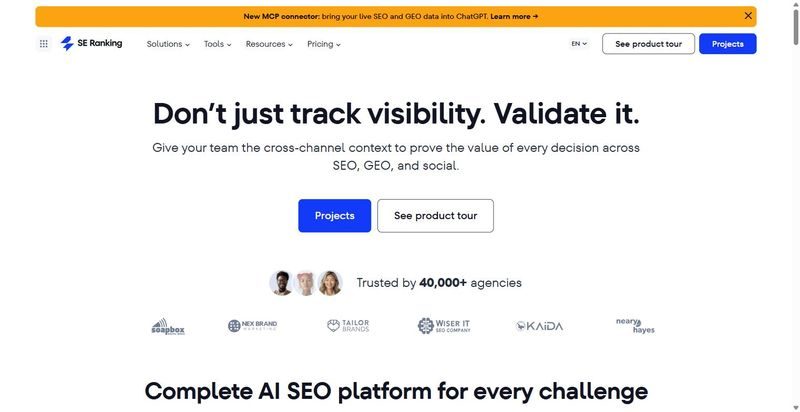
SEO analysis tools rarely run two APIs, a rendering crawler and AI-answer tracking on one plan. SE Ranking does.
Best for: agencies and in-house teams running one scheduled pipeline.
Standout feature: The Data API spends credits, 25,000 monthly on Core and 100,000 on Growth, and returns structured JSON at up to 10 requests per second on every plan. The Project API spends subscription limits. Website Audit read endpoints spend no credits; the remote MCP server exposes 160+ tools. Official Looker Studio connectors cover keyword, domain and audit data.
Pros:
-
Ships the SEO API and SEO MCP on every subscription.
-
Renders JavaScript in audit crawls on Core and Growth, where JavaScript SEO defects hide.
-
Streams 100,000 backlinks per call through the backlink API.
-
Returns a task ID and a compressed CSV from the async backlinks export.
Cons:
-
No log-file ingestion.
-
Raises the rate ceiling only by contacting support.
-
No first-party SDKs: integration is REST and a Postman collection, and migration re-maps endpoints.
Pricing: Core $129 per month, Growth $279; annual equivalents $103.20 and $223.20. The 14-day trial carries 100,000 credits. Credits are also sold pay-as-you-go, $50 for 250,000.
Net effect: SE Ranking publishes throughput, credits and API tier together, 10 requests per second on $129 Core, so a scheduled pipeline can be sized against real numbers before anyone signs. The MCP server carries no quota of its own and inherits those limits. If the job needs raw access logs, you'll still be buying a second tool.
2. Lumar
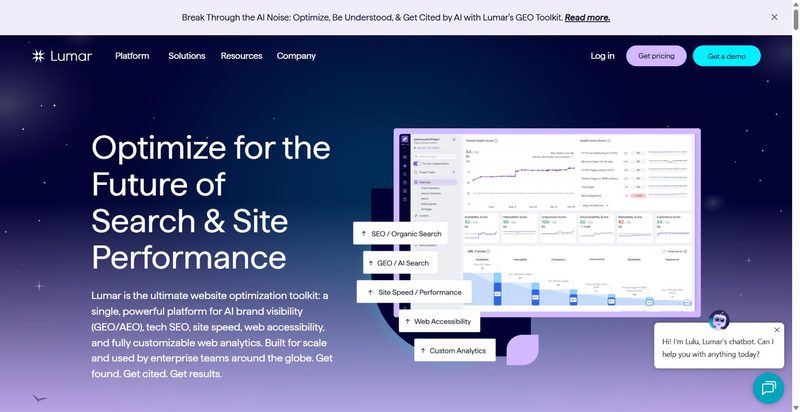
Lumar is a cloud site crawler whose GraphQL API and QA gate sit inside CI/CD.
Best for: engineering organisations wanting a crawl threshold that blocks a release.
Standout feature: Lumar Protect runs 350+ automated QA tests and can stop a build from deploying below a configured threshold. Its GraphQL API publishes 6,000 requests per 5 minutes, returns HTTP 429 on breach and prescribes exponential backoff, alongside the `Retry-After` response header MDN documents.
Pros:
-
Gates deploys on a crawl threshold.
-
Publishes its ceiling and 429 behaviour.
-
Renders JavaScript in the cloud.
Cons:
-
GraphQL, so REST integrations do not port.
-
No log ingestion or warehouse connector.
Pricing: none published. Quote only.
Net effect: Lumar is the only one of these SEO analysis tools that can fail a build, the entire argument for it inside a release pipeline. It is also the only deploy gate here that won't publish a price before a sales call.
Step 2: Reconcile the Crawl Against the Log File
A crawl says which URLs are reachable. A log says which URLs a bot actually fetched, how often, and with what response code. Reconciling them separates a page a crawler could read from one it did read, and only two of these SEO analysis tools ingest logs.
Crawl budget falls when a host returns `5xx` or `HTTP 429`, which log file analysis shows. Cloudflare's network put AI bots at 4.2% of HTML requests in 2025, Googlebot alone 4.5%. Getting the logs is organisational, not technical: raw logs belong to whoever runs the CDN.
3. JetOctopus
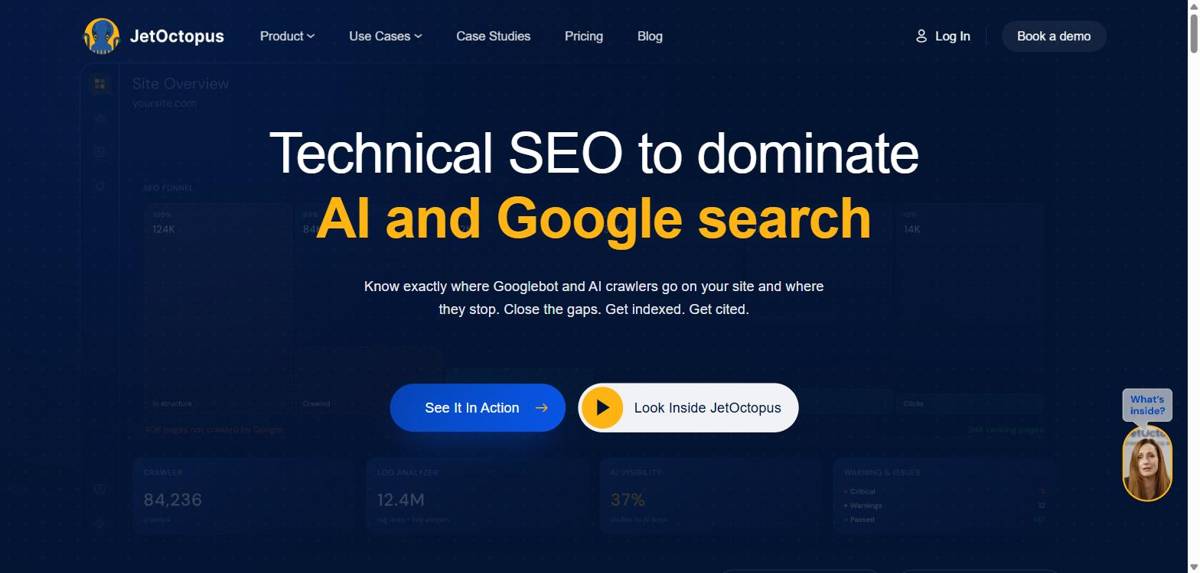
JetOctopus is a site crawler ingesting raw access logs, one of the few SEO analysis tools metered on volume.
Best for: technical SEO teams already getting raw logs out of their CDN.
Standout feature: The meter is volume, not seats. In-house Pro covers 1M crawled URLs and 5M log lines a month, with no per-domain limit. Looker Studio is on every tier, and this is the only log-ingesting platform here that publishes a price at all.
Pros:
-
Ingests raw log lines on the entry plan
-
Exposes the API on every tier
-
Renders JavaScript and schedules crawls with log monitoring
Cons:
-
Publishes no requests-per-second figure
-
Needs an organisation willing to hand raw logs over
Pricing: In-house Pro $549 per month, Ultra $1,089; annual saves 25 per cent.
Net effect: JetOctopus prices the 5M line count before you commit, and the API arrives with the entry plan. Everything still rests on a conversation you've already had with whoever owns the CDN. Win that, and the crawl-to-log join comes priced, not quoted.
4. Botify
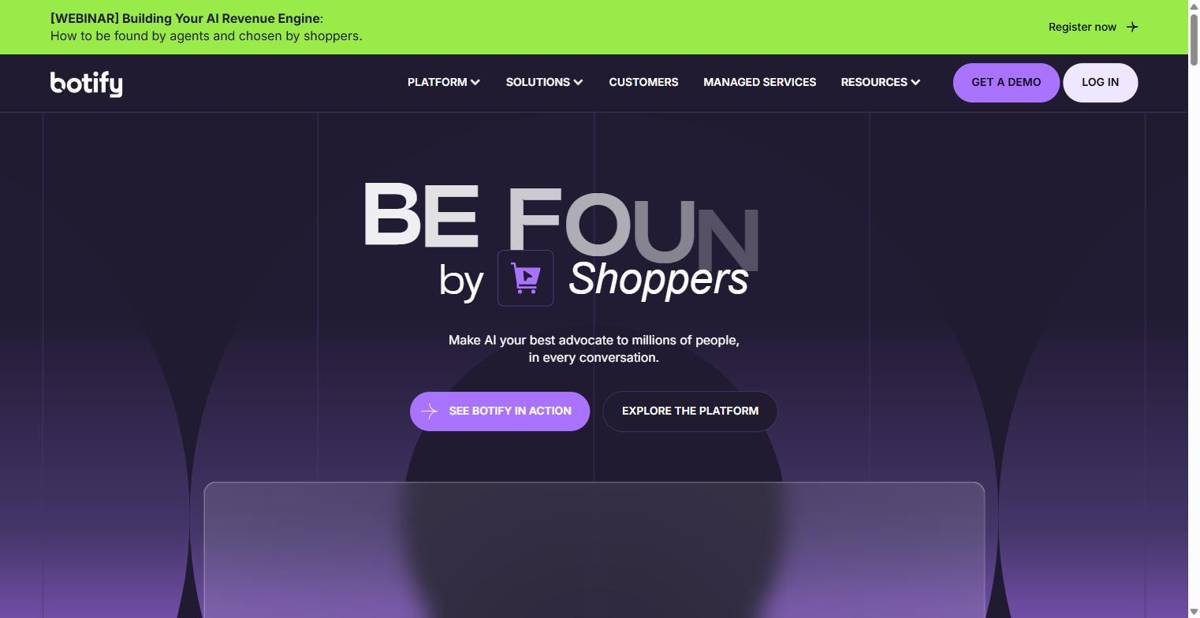
Botify is an enterprise platform writing crawl, log and Search Console data into one datastore queried in its own language.
Best for: enterprise SEO programmes working under a negotiated contract.
Standout feature: SiteCrawler, LogAnalyzer and RealKeywords write into one datastore that BQL, Botify Query Language, reads. The REST API is documented in Swagger and OpenAPI, with a token in the `Authorization: Token <api_token>` header. Joining those three sources anywhere else is a warehouse project.
Pros:
-
Ingests raw access logs through LogAnalyzer
-
Documents the REST API in Swagger and OpenAPI
-
Renders JavaScript and schedules analyses with AlertPanel
Cons:
-
Publishes no rate limit, export row cap or delivery format
-
Publishes no price
Pricing: None published. Quote only.
Net effect: An API with no published rate limit is not a feature, it is an unknown you inherit at integration time. Botify sells through a sales process, not a pricing page, so sizing the integration means booking the call before designing the job.
Step 3: Move the Data Out Inside the Rate Limit
Published ceilings for the same class of work are not even quoted in the same unit. Ten requests per second, 2,000 requests per minute, 10 concurrent requests per property, or nothing published at all. That ceiling, not the feature list, bounds how long a portfolio job takes.
The export is the paywall: an SEO API sits behind a plan tier, and its ceiling turns a portfolio run into an overnight job. A client without backoff takes the 429 and writes a partial dataset that looks complete. The source of truth truncates and says so: Search Console's API caps Search Analytics at 1,200 queries per minute per site, paging with `startRow`.
5. DataForSEO
DataForSEO is an SEO data API with no interface: the developer documentation is the product.
Best for: in-house engineering teams building their own interface on a raw feed.
Standout feature: the most precisely documented limits of any SEO data API here. The general ceiling is 2,000 requests per minute, with 30 concurrent per endpoint on the database-dependent APIs, up to 100 tasks per POST, and live state in the `X-RateLimit-Limit` and `X-RateLimit-Remaining` response headers. Credentials travel in an `Authorization: Basic` header, never as a URL parameter.
Pros:
-
Publishes per-endpoint floors beneath the global ceiling
-
Returns remaining quota so a scheduler self-throttles
-
Exposes a Lighthouse endpoint family beside the OnPage crawl
Cons:
-
Ships no dashboard, scheduler, alerting or report
-
Bills `enable_javascript` and `enable_browser_rendering` as extras
Pricing: pay-as-you-go from a $50 minimum, then per request.
Net effect: treat DataForSEO as a dependency. Every number it publishes is one you can design a queue around, which few SEO analysis tools do, but the queue, the storage and the reporting layer are all work you haven't started. Budget engineering time.
6. Semrush
Semrush is the platform most teams already have, and the hardest to size from its documentation.
Best for: mid-market teams bolting the API onto an existing seat.
Standout feature: Site Audit carries a JavaScript-rendering toggle and runs scheduled auto re-crawls on a daily or weekly basis, so the crawl half schedules itself. MCP access is included on the Semrush One and SEO Classic plans and is also available to API users.
Pros:
-
Re-crawls daily or weekly without external SEO monitoring tools
-
Includes SEO MCP for API users
-
Schedules PDF reporting through the Report add-ons
Cons:
-
Publishes no rate limit anywhere; its two documented limits URLs return HTTP 404
-
Passes the API key in the URL query string; gates JavaScript rendering against retired plan names
Pricing: monthly, SEO $139, Starter $199, Pro+ $299, Advanced $549; annual, $117.33, $165.17, $248.17, $455.67.
Net effect: if the reporting already lives in Semrush, the API is an add-on decision. Scheduling and sizing the job before anyone writes it is where the missing number bites: you can't design a queue against guidance that says respect rate limits without naming one.
7. Google Analytics 4
Google Analytics 4 is the free first-party record a pipeline reconciles against, through the Data API and BigQuery.
Best for: analytics owners reconciling crawl findings against session-level behaviour.
Standout feature: the only entry among these SEO analysis tools metered in tokens rather than requests. A standard property gets 200,000 core tokens per day, 40,000 per hour, 10 concurrent requests and 120 potentially thresholded requests per hour, with daily quotas refreshing at midnight Pacific.
Pros:
-
Streams event-level rows to BigQuery for joins the Data API cannot serve
-
Connects to Looker Studio as a first-party source
-
Refreshes daily quotas at a fixed hour
Cons:
-
Can return empty, not suppressed, on thresholded dimensions like `userAgeBracket`
-
Schedules nothing; your SEO automation tools set the cadence
Pricing: $0 for a standard property.
Net effect: keep Google Analytics 4 as the reconciliation layer and nothing else. It is the only free first-party record a crawl can be joined against, but write the thresholding check into the job itself, because a zero and a suppression look identical in the response and only one of them is a finding.
Step 4: Instrument the Ai-Answer Surface on Its Own Schedule
The AI-answer surface is sampled, not crawled. A scheduled run puts a fixed prompt set to named engines on a cadence, so confidence scales with prompt count, which is what these SEO analysis tools bill for. Size it against what that surface actually sends, roughly 1 in every 312 website visits, SE Ranking's 2026 AI-traffic measurement.
8. Otterly.ai
Otterly.ai is an AI visibility tracking tool metered by the prompt, not the seat.
Best for: brand and communications teams running AI visibility tracking on a schedule.
Standout feature: the prompt is the billing unit, and machine access is metered separately. Standard includes 2,000 API requests and 2,000 MCP requests a month, Premium 5,000 of each. The two counters do not pool, so an agent loop can drain MCP alone.
Pros:
-
Meters API and MCP separately
-
Ships an MCP server on the API tier
-
Publishes each prompt tier and its price
Cons:
-
15 prompts on Lite is a sample, not a measurement
-
Exposes no API below Standard; automation starts at $189
Pricing: Lite $29, Standard $189, Premium $489 per month; Enterprise from roughly $1,000.
Net effect: Of the eight here, Otterly.ai states the price of the AI-answer step most plainly. The catch is structural: the entry tier cannot be automated at all, so the tier a pipeline can use is the only one worth costing.
Assembling Your Own Stack
Of these eight SEO analysis tools, start from SE Ranking: 10 requests per second published, the Data API metered in credits, and the API on the entry plan. It does not read logs, so add log-ingesting technical SEO tools once the organisation delivers raw logs. Keep GA4 as the first-party join.
SE Ranking's rank tracker sits on that same subscription and checks daily positions on Google, Bing and YouTube.
Skip if: the job has to run unattended. Botify publishes no rate limit and no price, so you can't size it. Semrush publishes no rate limit either; Otterly.ai's entry tier exposes no API.
Point three SEO analysis tools at one domain inside their published limits and diff the three URL sets.
Frequently Asked Questions
What is an API in SEO?
An SEO API is an HTTP endpoint returning crawl or ranking data as JSON. You authenticate, page through the result set inside a published rate limit, and write it into your own store. Several vendors gate that access behind a top tier.
What is log file analysis?
Log file analysis parses raw server access logs and joins them to a crawl on URL, showing which URLs a bot actually fetched and with what status code. The 5xx and HTTP 429 responses it surfaces cut crawl budget, Google's capacity limit.
Which API is the best for SEO?
SE Ranking is the pick on published mechanics: it states 10 requests per second and puts the API on every plan, judged on the rate limit, what the quota counts, the tier it sits behind and the export destination. DataForSEO's ceiling is higher, but there's no product around it.