
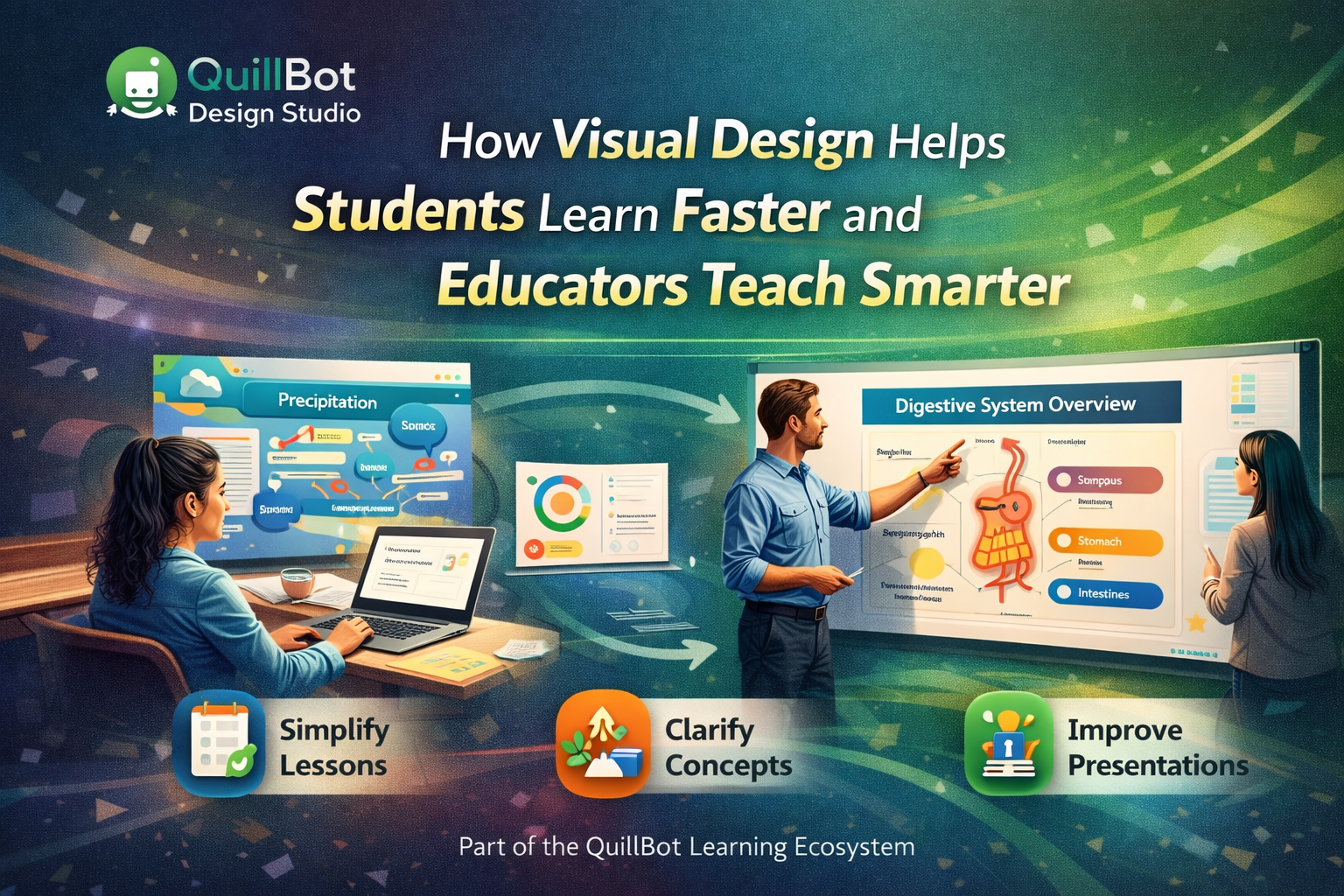
Learning has always been about ideas but how those ideas are presented can make all the difference. In classrooms, lecture halls, and online courses, visual clarity often determines whether information sticks or slips away.
For students and educators alike, QuillBot Design Studio offers a smarter way to turn complex concepts into clear, engaging visuals without requiring design expertise.
The Learning Challenge Isn’t Effort—It’s Overload
Students today aren’t short on motivation. They’re overwhelmed.
Dense slides, text-heavy notes, and cluttered visuals make it harder to identify what actually matters. Educators face the same challenge from the other side: how to simplify information without losing depth.
Visual design plays a critical role here. When ideas are structured visually, learners process them faster and retain them longer.
Turning Academic Content Into Visual Understanding
QuillBot Design Studio helps bridge the gap between information and understanding by making it easier to visualize knowledge.
Students can:
➔ Turn notes into clean summaries
➔ Create diagrams and visual explanations
➔ Design presentations using AI Presentation Maker that highlight key insights
Educators can:
➔ Build lecture slides that guide attention
➔ Create visual learning aids for complex topics
➔ Reuse and adapt materials across classes
The focus isn’t decoration—it’s comprehension.
Supporting Different Learning Styles
Not every student learns best through text alone. Visual learners, in particular, benefit from layouts that emphasize structure, hierarchy, and flow.
Design Studio makes it easier to:
➔ Break large topics into digestible sections
➔ Use visuals to show relationships between ideas
➔ Reduce cognitive load with clean, organized layouts
This supports more inclusive learning environments where more students can succeed.
Saving Time Without Sacrificing Quality
Time is a limited resource in education. Students juggle multiple courses. Educators balance teaching, grading, and planning.
QuillBot Design Studio removes repetitive design work so users can focus on learning and teaching. Instead of spending hours formatting slides or visuals, users can move quickly from content to presentation.
That efficiency adds up especially across an entire semester.
Helping Students Build Real-World Skills
Beyond academics, students are expected to communicate ideas clearly in internships, research, and future careers. Visual communication is now a core skill.
By using tools like QuillBot Design Studio, students gain experience in:
➔ Presenting ideas professionally
➔ Structuring information for different audiences
➔ Combining written and visual communication
These are skills that extend far beyond the classroom.
A Natural Fit for the QuillBot Learning Ecosystem
QuillBot is already widely used by students and educators to improve writing clarity. Design Studio expands that support into the visual domain.
Together, they help users:
➔ Refine their thinking
➔ Strengthen their expression
➔ Share ideas with confidence
It’s a complete toolkit for academic communication.
Effective learning isn’t about more information it’s about better understanding. When students and educators have tools that make ideas clearer, learning becomes more engaging, efficient, and accessible.
QuillBot Design Studio empowers education by turning knowledge into visuals that truly teach.


