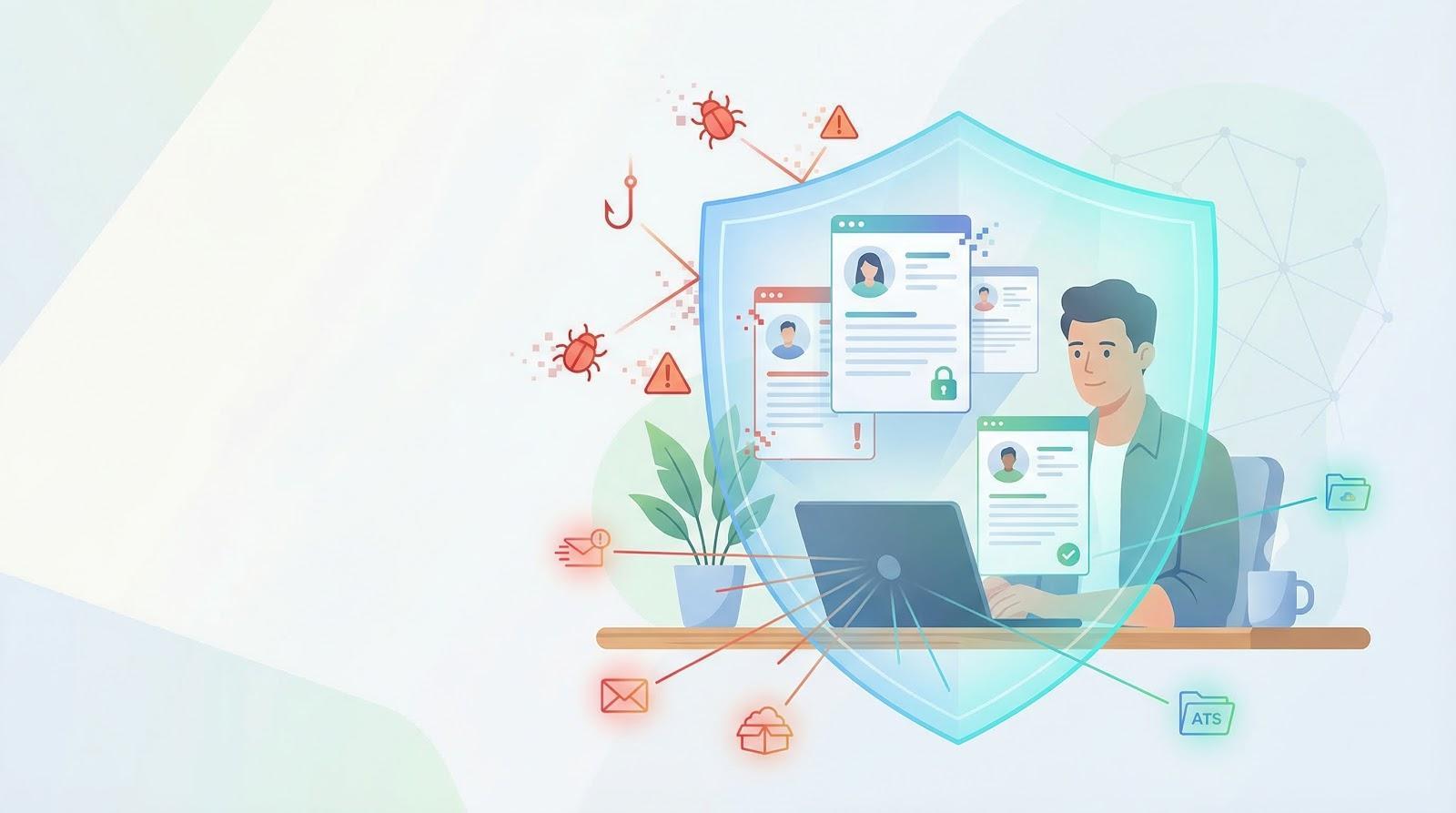
A promising résumé can hide malware. In 2025 a mis-configured cloud server leaked 26 million CVs, exposing names, emails, and work histories to anyone online.
Breach fallout is costly: average incidents cost $4.88 million, and HR databases are prime targets.
Scammers even impersonate candidates; Proofpoint saw “just checking in” emails with malware links that recruiters clicked.
Security can’t wait. The next sections rank seven remote-ready tools so you can shield candidate data without wading through tech jargon.
Ready to close the back door before the next fake résumé arrives? Keep reading.
How we picked the seven worth your time
We cast a wide net, reviewing scores of security vendors, analyst reports, and user forums. Then we pushed every contender through a filter built for remote-recruiting realities, not generic IT wish lists.
First, we asked a blunt question: Does the tool shield candidate data in every scenario? If any edge case left PII exposed, we removed the product.
Next, we checked day-one usability. Recruiters ignore software that forces them to learn new workflows or babysit settings. Cloud delivery, single sign-on support, and a set-and-forget interface all scored high.
Integration came next. We inspected how easily each product plugs into the hiring stack: ATS, HRIS, email, and video-interview services. Smooth connections mean you safeguard the process without slowing it down.
Cost mattered, though not in a race-to-the-bottom sense. We balanced sticker price against breach-prevention impact and favored tools that give small and midsize teams meaningful protection. Pricey showpieces with features no recruiter needs did not survive.
We also wanted outside proof: analyst-leader badges, 4-plus-star user ratings, and a clean record in recent breach news. Marketing claims alone never made the cut.
Only products that met every test (data protection, remote fit, integration strength, compliance support, and real-world praise) earned a place in the final seven.
7 KnowBe4 security awareness training: your human firewall
Technology blocks plenty, yet most breaches still start with an employee who trusts the wrong email. That pattern will not change until we train the people behind the screens.
KnowBe4 treats security education like a marketing campaign. Short, video lessons land in each recruiter’s inbox, followed by realistic phishing tests that reveal who clicked and why. Over time you watch the “phish-prone” rate sink from double digits to low single digits, a shift HRStacks ties to sharp drops in real-world incidents.
KnowBe4 security awareness training dashboard screenshot for phishing simulations
Recruiters appreciate the relevance. Modules cover résumé malware, bogus CEO requests for W-2 data, and tips to spot deep-fake candidates. Lessons take minutes, not hours, so they fit between sourcing calls.
Administrators enjoy the automation. New hires enroll on day one, simulated attacks roll out on a schedule, and reminders chase anyone who falls behind. Reports satisfy auditors and give leadership proof that security is more than a checkbox.
Yes, a few employees will groan the first time they fail a test. That fades once everyone understands the stakes. A culture where people brag about catching the latest spoofed LinkedIn invite is a culture that keeps data safe.
Bottom line: tools guard the perimeter, but trained humans guard everything else. KnowBe4 turns that soft spot into a reliable last line of defense, paying for itself every time someone hovers over a shady link and clicks Delete instead of Open.
6 Box Shield: lock down every résumé and reference letter
Recruiting lives on files. Portfolios, offer letters, passport scans, and interview recordings all bounce between laptops, inboxes, and chat threads. Each bounce risks leakage.
Box turns that chaos into a single encrypted cabinet in the cloud. Shield, its security layer, auto-labels sensitive content and enforces your rules. If a document holds 30 Social Security numbers, Shield can block external sharing outright. If a recruiter tries a mass download at 2 am, the platform flags the anomaly and, if you choose, kills the connection on the spot.
The experience stays friendly. Recruiters drag a file into Box Drive and share a link instead of an attachment. Hiring managers open the link, view the document, and Box logs every click for your audit trail. No one fiddles with VPN paths or remembers to password-protect a PDF; Box handles it behind the scenes.
Collaboration even speeds up. Multiple reviewers can add notes to a résumé in real time, confident that version history tracks every edit. When the requisition closes, automated retention rules purge old candidate data so you stay on the right side of GDPR or CCPA.
Yes, Box costs more than free cloud drives. Balance that against a single lawsuit from an exposed medical form and the math flips fast. Deploy Shield for recruiters and HR admins first, then expand to hiring managers once the workflow feels second nature.
Secure storage may not feel glamorous, but it quietly erases a huge attack surface. With Box Shield guarding the documents, you stop the “lost laptop” horror story before it can headline your next all-hands.
5 Proofpoint email security: stop phishing before it starts
Email delivers every offer letter, interview link, and salary discussion. It also delivers 9 of 10 cyber-attacks. Proofpoint stands at the door, disinfecting messages so recruiters only see the genuine stuff.
The platform inspects each inbound message in milliseconds. Attachments open in a sandbox; malicious macros never reach the inbox. Links are rewritten on the fly, and if a previously safe URL turns hostile later, Proofpoint blocks the click in real time.
Impersonation scams are its specialty. The system studies writing style, header quirks, and reply-to tricks to spot a fake CEO or a “candidate” pushing a poisoned résumé. When it senses spoofing, it stamps a bold warning banner across the message or moves it to quarantine.
Outbound mail gets equal scrutiny. If a recruiter tries emailing a spreadsheet of Social Security numbers, Data Loss Prevention rules can force encryption or stop the send entirely. Candidates stay safe from leaks they would never see coming.
Deployment is straightforward. Point your MX records to Proofpoint, tune a few policies, and you are live. From day one you watch junk and attack attempts drop, giving recruiters back the time they once spent sorting inbox debris.
Proofpoint is not the cheapest filter, yet its catch rate saves far more than it costs. By removing weaponized emails before humans have a chance to trust them, you close the single most common breach path in HR.
4 CrowdStrike Falcon: guard every laptop, anywhere
A single recruiter laptop now holds thousands of résumés, offer letters, and background reports. Lose that endpoint to ransomware and the whole hiring engine stalls.
CrowdStrike Falcon plants an impossibly light agent on Windows or macOS, then watches every process in real time. No old-school signature files; the cloud brain hunts for behavior that screams intrusion. A macro-laden résumé spawns PowerShell in the temp folder? Falcon stops the process, quarantines the file, and alerts you before the user even notices.
Remote control is where it shines. From a web console you can isolate a compromised device with one click, cutting attacker command channels while the recruiter keeps working offline on local docs. When the machine reconnects under VPN, policies reapply automatically.
Falcon also spots insider trouble. If someone tries a midnight mass-copy of candidate PDFs to a USB stick, the agent logs it and, if you wish, blocks the transfer. Every action writes to a tamper-proof timeline, a lifesaver when auditors ask, “Who touched that data?”
Deployment takes minutes. Email installers, drop them in an RMM, or bake them into your MDM images. The agent updates itself silently, so there is no “please leave laptops overnight for patching” ritual that recruiters like to ignore.
Yes, Falcon costs more than the antivirus bundled with your operating system. It also removes the dread of waking up to encrypted laptops and a hacker’s ransom note. That trade is an easy sell in any budget meeting focused on uptime and candidate trust.
3 Okta Workforce Identity: one login to rule them all
Every new SaaS the talent team adopts adds another username, another password, and another off-boarding step someone might forget. That sprawl is a gift to attackers.
Okta collapses the maze into a single front door. Recruiters sign in once, then launch Greenhouse, Slack, Zoom, or your background-check portal from the same dashboard. Adaptive multi-factor checks location, device health, and time of day before opening the latch, so a stolen password alone goes nowhere.
Okta Workforce Identity SSO dashboard screenshot for talent teams
The admin view is pure control. Create a contractor account, tick the apps they need, and Okta pushes credentials out in seconds. When the contract ends, one disable switch yanks access from every system—no frantic hunt for lingering logins.
Risk signals run constantly in the background. A sign-in from a new country prompts a second factor. Five rapid failures on an ATS API token lock the account and, if you choose, block that IP range. An immutable audit log shows who touched which app and when, delighting auditors.
Setup sounds daunting, yet most HR tools already sit in Okta’s integration catalog. Paste two SAML values, test, and move on. Start with email and the ATS, then phase in niche sourcing apps once the team is comfortable.
Yes, there is a price per user, but the math is simple. Count the hours recruiters waste on password resets, the fines for an ex-employee still lurking in payroll, and the brand damage from one hacked mailbox. Okta’s subscription looks modest next to those bills.
Identity is the new perimeter. With Okta guarding the gateway, every other control in your stack gains a reliable foundation, and recruiters enjoy the luxury of logging in once and getting straight back to hiring.
2 1Password Business: bullet-proof credentials in one click
Passwords still unlock every system we use. When they are weak, reused, or parked in spreadsheets, attackers do not need zero days; they just sign in.
1Password replaces that chaos with an encrypted vault the whole hiring team can share. Each recruiter keeps a single master key (ideally backed by biometrics) and 1Password fills every login with a random 30-character string no one could guess or remember.
Shared vaults solve the “Can you DM me the Indeed password?” routine. Drop an account into the Recruiting vault, grant junior sourcers read-only access, and watch Slack credential requests vanish overnight. When a contractor finishes the project, removing them from the vault instantly locks them out everywhere.
Security runs quietly in the background. Watchtower scans the dark web and alerts you if an email-password pair tied to the team shows up for sale. Two-factor codes live beside each login, so no one is hunting for an authenticator app on interview day.
Adoption is simple. Install the browser extension, import existing passwords, then flip the switch that blocks plain-text storage elsewhere. Most recruiters never open the desktop app again; autofill just works.
Price comes in at about the cost of one fancy coffee per user each month. Stack that against the $4.88 million average breach bill and the return is obvious. Strong, unique passwords everywhere, zero friction, zero excuses—that is why 1Password earns silver on this list.
1 TorGuard dedicated IP VPN: build a private tunnel for every recruiter
Recruiters travel. Coffee-shop Wi-Fi, airport hotspots, the spare bedroom. Each jump exposes logins and résumés to anyone listening on the same network.
TorGuard encrypts every packet the moment it leaves the device, so snoopers see gibberish instead of candidate data. The dedicated IP option is the game changer: your team appears to every SaaS from the exact same address, no matter where they work.
TorGuard dedicated IP VPN product page screenshot for recruiter network security
That single feature lets IT lock critical tools such as ATS, HRIS, and payroll to one whitelisted IP. Even if a password leaks on the dark web, an attacker’s unknown address hits a brick wall.
A fixed IP also ends the daily annoyance of CAPTCHA storms and geo-blocked logins that plague shared VPNs; see the details on how TorGuard’s anti-blocking architecture makes banking sites and streaming services treat the connection like a regular home network.
Recruiters connect once, then cruise through Gmail, LinkedIn, or banking portals as if they were at HQ.
Setup is two steps: install the app and choose your dedicated location. TorGuard allows unlimited devices per account, so laptops and phones stay protected without juggling licenses. Speeds remain snappy thanks to a network built for torrent-level traffic.
Budget? Roughly 10 dollars a month plus a small annual fee for the static IP, less than a coffee run on that risky café network. In return you get encrypted traffic, stable reputation IPs, and the peace of mind that comes from shrinking your attack surface to a single, known doorway.
Network security is the foundation of every control above it. Start with a solid tunnel, and the rest of your stack stands stronger.
How the seven stack up at a glance
We covered a lot of ground. Before you sketch a rollout plan, use the cheat sheet below to see where each tool shines, what unique perk it gives recruiters, and one trade-off to keep in mind.
*Public list pricing. Bundles and volume discounts often apply.
Scan the table, spot the gaps in your current stack, and address them in priority order. Most teams start with the network, password, and identity layers, then add email and endpoint defences, secure storage, and finally ongoing training to cement culture.
Roll it out in three manageable waves
Security projects stall when they feel impossible. Break deployment into clear, bite-sized waves and momentum follows.
Wave 1: Foundation
Start with TorGuard, 1Password, and Okta. These three lock down networks, passwords, and identity, the entry points attackers hit first. Rollout is fast: a VPN install link, a vault invite, and SSO connections to your top two apps. Within a week you remove the biggest risks without altering daily flow.
Wave 2: Hardening
Next add CrowdStrike and Proofpoint. Protect the endpoints recruiters carry and the email they trust most. Push the Falcon agent on Monday, update MX records on Friday, and watch dashboards the following week. Users barely notice except for a cleaner inbox.
Wave 3: Culture
Finish with Box Shield for file governance and KnowBe4 for ongoing awareness. Migrate active requisition folders first, then older archives. While that transfer runs, launch the first phishing-simulation campaign. Celebrate every “I caught it!” message in Slack; positive reinforcement turns training into habit.
By handling one wave each quarter, you spread costs, avoid change fatigue, and keep leadership cheering quick wins instead of worrying about an all-or-nothing overhaul.
Common pushbacks, quick rebuttals
We are small, aren’t hackers chasing bigger fish?
Attackers automate scans. They do not check company size before dumping leaked résumés for sale. The 26-million-CV breach came from a mid-tier vendor, not a tech giant. Small teams with thin defenses are easier, faster wins.
All these layers will slow recruiters down.
The opposite usually happens. Single sign-on cuts daily logins, password resets vanish, and email noise drops. Recruiters spend more time courting candidates and less time fighting IT friction.
Our ATS vendor says they’re SOC 2 compliant. Isn’t that enough?
Vendor compliance secures their servers. It does nothing for the café Wi-Fi your sourcer uses, the phishing email in her inbox, or the USB someone finds at a job fair. Shared responsibility means we must lock down access, devices, and people on our side of the fence.
Budgets are tight.
So are breach fines. The first layer—VPN, password manager, and SSO—costs about the price of lunch per user each month and removes the easiest attack paths. Spread the rest over three waves and you protect revenue instead of gambling with it.
Conclusion
Locking down candidate data no longer demands a PhD in cybersecurity or an enterprise-sized budget. Deploy the seven tools in manageable waves, weave in continuous training, and you will harden your hiring pipeline against the attacks most likely to strike remote recruiting teams.